
Best Hardware and Networking Training in Bangalore
Learn Computer Hardware with hands-on training in Bangalore. Master PC assembly, troubleshooting, maintenance, and hardware repair skills with job-oriented practical training.
Start Your Computer Hardware Career with Placement Support
Join Thousands of Learners Mastering Computer Hardware Skills
Program Length
Verified Placements
Real-Time Projects
Training Mode

Why Our Computer Hardware Classes Build Job-Ready IT Support Professionals
Basic–Advanced
Industry Exposure
Career Mentorship
Live Projects
Interview Prep
Placement Support





Start Your Tech Career with a Free 15-Min Placement Roadmap Call.
Accelerate your path to high-paying tech jobs with Innovative Academy
Your Complete Computer Hardware Career Program
Learn computer hardware from basics to advanced troubleshooting with a job-oriented Computer Hardware training program designed to meet real industry requirements.
Computer Hardware Fundamentals
Learn core computer hardware concepts that power desktops, laptops, and enterprise systems. Build a strong foundation in internal components, system architecture, and hardware basics used in real-world IT environments.
Hardware Installation & Troubleshooting
Install, configure, and troubleshoot computer components, peripherals, and operating systems with confidence. Learn diagnostic techniques used by hardware technicians and IT support professionals.
Hands-On Hardware Labs & Experience
Work on real hardware repair, maintenance, and troubleshooting tasks. Gain practical, job-ready experience required for hardware technician, desktop support, and IT support roles.
AI-Powered Classroom for Smarter Learning.
One App for Your Entire Learning Journey
Students log in every day through our dedicated app that connects classroom and online learners seamlessly. Track your progress, view schedules, and stay organised—all in one place.
Daily Notes Auto-Converted to PDF
No need to worry about missing anything. All daily class notes are automatically converted into clean, downloadable PDFs and stored in your app for lifetime access.
Daily Concept & Interview Questions
After every session, students receive a set of concept-based and interview-focused questions curated by our AI engine—making revision more powerful and intentional.
Instant Class Recordings
Every session is recorded and uploaded to the app right after class. You can revisit lessons anytime to strengthen your understanding or catch up at your own pace.
Daily AI-Driven Mock Interviews
Practise every day with automated mock interviews designed to analyse your strengths, highlight improvement areas, and help you become interview-ready faster.
AI Attention Tracking
Our AI system monitors focus levels during class and alerts both students and trainers, ensuring high engagement and zero distractions—whether you're in the classroom or learning from home.
BootCamp Course Structure
With your training complete, you're officially ready to start attending interviews. You now hold the skills, projects, and clarity the industry expects.
Get the Complete Picture
Download our brochure for a comprehensive overview
Projects Recruiters Love to See
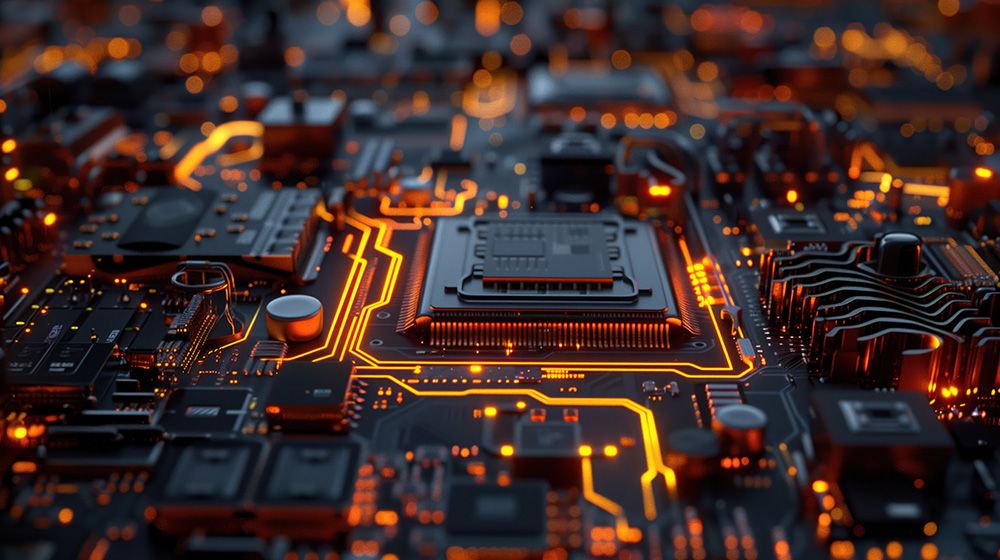
Manage Reliable and High-Performance Computer Systems
Learn how to assemble, configure, maintain, and troubleshoot desktop and laptop hardware systems. Gain hands-on experience in system setup, component replacement, performance tuning, and real-world IT support tasks used in enterprise environments.
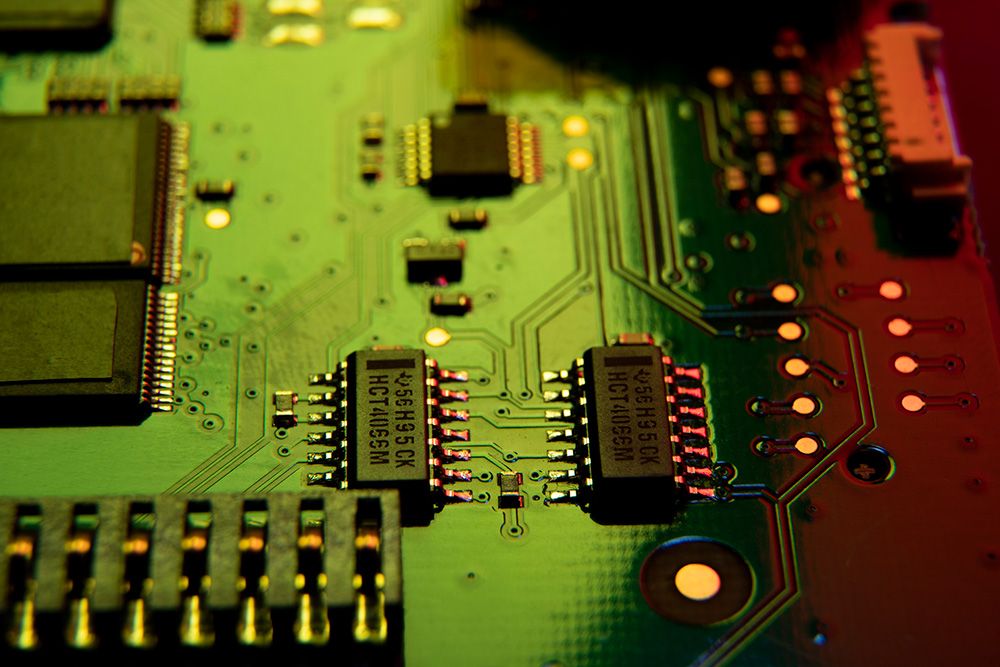
Diagnose and Manage Computer Hardware Operations
Understand how computer hardware components work together to keep systems running smoothly. Learn hardware diagnostics, operating system installation, driver management, peripheral setup, and preventive maintenance techniques used by IT support teams.
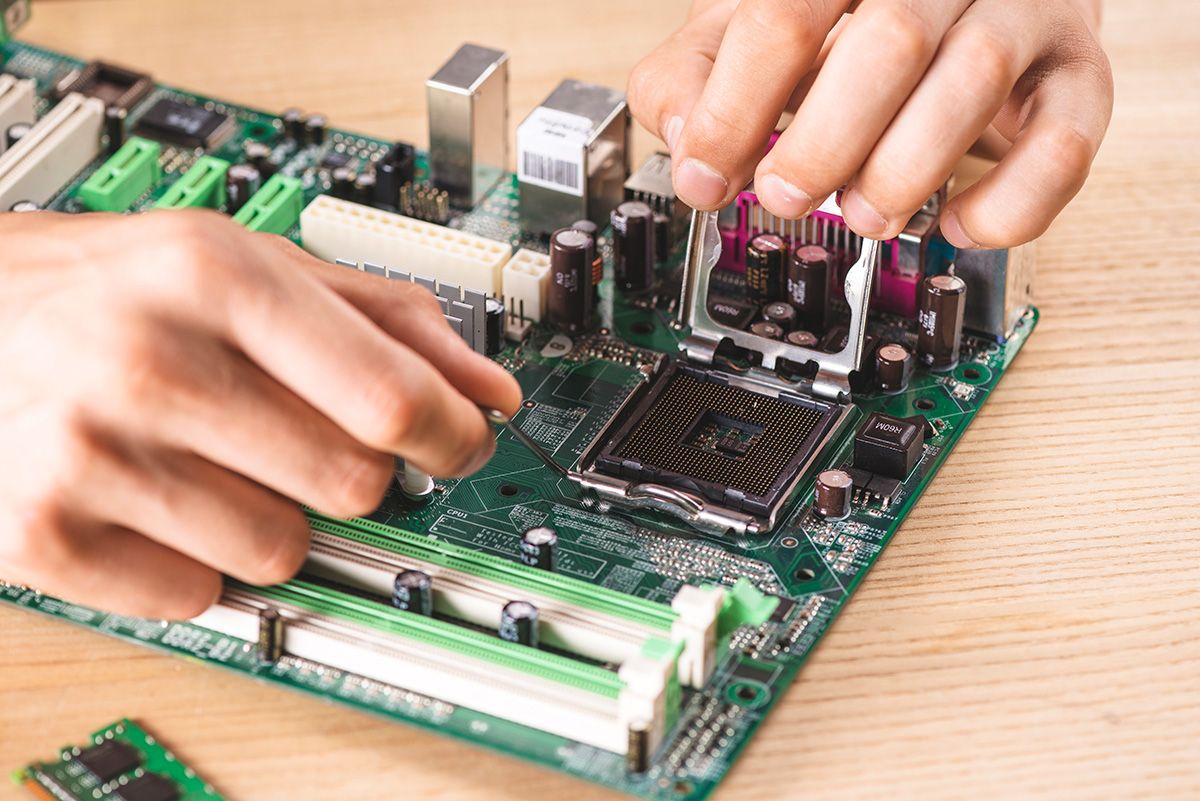
Build Secure and Efficient Computer Systems
Implement best practices for system security, hardware protection, data safety, and performance optimization. Learn virus protection, BIOS security, backup fundamentals, system monitoring, and troubleshooting to maintain reliable computer systems.
Manage Reliable and High-Performance Computer Systems
Learn how to assemble, configure, maintain, and troubleshoot desktop and laptop hardware systems. Gain hands-on experience in system setup, component replacement, performance tuning, and real-world IT support tasks used in enterprise environments.
Diagnose and Manage Computer Hardware Operations
Understand how computer hardware components work together to keep systems running smoothly. Learn hardware diagnostics, operating system installation, driver management, peripheral setup, and preventive maintenance techniques used by IT support teams.
Build Secure and Efficient Computer Systems
Implement best practices for system security, hardware protection, data safety, and performance optimization. Learn virus protection, BIOS security, backup fundamentals, system monitoring, and troubleshooting to maintain reliable computer systems.
Manage Reliable and High-Performance Computer Systems
Learn how to assemble, configure, maintain, and troubleshoot desktop and laptop hardware systems. Gain hands-on experience in system setup, component replacement, performance tuning, and real-world IT support tasks used in enterprise environments.
Diagnose and Manage Computer Hardware Operations
Understand how computer hardware components work together to keep systems running smoothly. Learn hardware diagnostics, operating system installation, driver management, peripheral setup, and preventive maintenance techniques used by IT support teams.
Build Secure and Efficient Computer Systems
Implement best practices for system security, hardware protection, data safety, and performance optimization. Learn virus protection, BIOS security, backup fundamentals, system monitoring, and troubleshooting to maintain reliable computer systems.
Manage Reliable and High-Performance Computer Systems
Learn how to assemble, configure, maintain, and troubleshoot desktop and laptop hardware systems. Gain hands-on experience in system setup, component replacement, performance tuning, and real-world IT support tasks used in enterprise environments.
Diagnose and Manage Computer Hardware Operations
Understand how computer hardware components work together to keep systems running smoothly. Learn hardware diagnostics, operating system installation, driver management, peripheral setup, and preventive maintenance techniques used by IT support teams.
Build Secure and Efficient Computer Systems
Implement best practices for system security, hardware protection, data safety, and performance optimization. Learn virus protection, BIOS security, backup fundamentals, system monitoring, and troubleshooting to maintain reliable computer systems.
BOOTCAMP ROADMAP
COUNSELLING
The first step to join Innovative Academy’s Computer Hardware Training is a free career counselling session with our IT support advisors to understand your goals, background, and eligibility for hardware and IT support roles.
ADMISSION
Once aligned, complete the admission process and join your preferred batch. Get instant access to LMS, hardware labs, AI-powered classroom support, and placement preparation resources.
COMPUTER HARDWARE FUNDAMENTALS
CORE HARDWARE ADMINISTRATION
HARDWARE TROUBLESHOOTING & NETWORKING
MAINTENANCE, SECURITY & PERFORMANCE
LIVE HARDWARE PROJECTS
PLACEMENT SUPPORT
About Our Placements
Launch Your Tech Career With Confidence
At Innovative Academy, placements aren't an afterthought — they're a core outcome of your learning journey.
Our programs are built with one clear mission: to make you employable and industry-ready from Day 1.
Strong Industry Connections
We collaborate with top IT companies, startups, and hiring partners across Bangalore and major tech hubs to ensure our students get access to genuine job opportunities.
Dedicated Placement Support Team
Our in-house placement cell works closely with every learner through:
Placement Opportunities Across Roles

Real Projects That Impress Recruiters
Companies trust our students because they graduate with hands-on, resume-ready projects.
Your portfolio is crafted to make your profile stand out.

Proven Track Record
Innovative Academy has become a trusted name for placements.
Your success is our metric.

From Learning to Earning
We prepare you to not just clear interviews but thrive in your first job.
You will be confident and completely ready.
Our Hiring Partners
Top companies that hire our graduates
"I completed my CCNA course here and gained strong technical knowledge. The faculty are experienced and very supportive."
Amrutha Varsha
CCNA Student at Innovative Academy · 5 stars · 5 stars
"Java full stack training was excellent. Trainer Roshni ma’am explained concepts clearly and helped me upskill effectively."
Ambika Chandrashekar
Java Full Stack Student at Innovative Academy · 5 stars · 5 stars
"Excellent teaching and well-structured concepts. The learning environment is very supportive."
SR Kisan Seva
IT Learner at Innovative Academy · 5 stars · 5 stars
"Friendly faculty, individual care, and guaranteed placement support. Overall an excellent institute."
Tejashwini Desai
DevOps Student at Innovative Academy · 5 stars · 5 stars
"Online C programming classes were very flexible. Teaching was neat and easy to understand."
Ramya Subramani
C Programming Student at Innovative Academy · 5 stars · 5 stars
"Excellent hands-on training in Networking, Linux, AWS, and DevOps with weekly assessments and placement guidance."
Nikita Jagave
Cloud & DevOps Student at Innovative Academy · 5 stars · 5 stars
"Best institute to start from scratch and grow to advanced levels with confidence."
Ashwini Ramesh
IT Beginner at Innovative Academy · 5 stars · 5 stars
"Good teaching skills and supportive staff. I learned a lot during my course."
Kusuma N
Software Learner at Innovative Academy · 5 stars · 5 stars
"Well-organized corporate training with excellent delivery and structure."
Harish GV
Corporate Trainee at Innovative Academy · 5 stars · 5 stars
"Very nice learning experience. One of the best places to build a technical career."
Chandan V A
IT Student at Innovative Academy · 5 stars · 5 stars
"I completed my CCNA course here and gained strong technical knowledge. The faculty are experienced and very supportive."
Amrutha Varsha
CCNA Student at Innovative Academy · 5 stars · 5 stars
"Java full stack training was excellent. Trainer Roshni ma’am explained concepts clearly and helped me upskill effectively."
Ambika Chandrashekar
Java Full Stack Student at Innovative Academy · 5 stars · 5 stars
"Excellent teaching and well-structured concepts. The learning environment is very supportive."
SR Kisan Seva
IT Learner at Innovative Academy · 5 stars · 5 stars
"Friendly faculty, individual care, and guaranteed placement support. Overall an excellent institute."
Tejashwini Desai
DevOps Student at Innovative Academy · 5 stars · 5 stars
"Online C programming classes were very flexible. Teaching was neat and easy to understand."
Ramya Subramani
C Programming Student at Innovative Academy · 5 stars · 5 stars
"Excellent hands-on training in Networking, Linux, AWS, and DevOps with weekly assessments and placement guidance."
Nikita Jagave
Cloud & DevOps Student at Innovative Academy · 5 stars · 5 stars
"Best institute to start from scratch and grow to advanced levels with confidence."
Ashwini Ramesh
IT Beginner at Innovative Academy · 5 stars · 5 stars
"Good teaching skills and supportive staff. I learned a lot during my course."
Kusuma N
Software Learner at Innovative Academy · 5 stars · 5 stars
"Well-organized corporate training with excellent delivery and structure."
Harish GV
Corporate Trainee at Innovative Academy · 5 stars · 5 stars
"Very nice learning experience. One of the best places to build a technical career."
Chandan V A
IT Student at Innovative Academy · 5 stars · 5 stars
Live Demo Invite
Try Before You Commit — Learn With Zero Risk
Don't enroll blindly. Attend a Free Demo Class where you can experience how the Innovative Academy team teaches, supports, and mentors aspiring DevOps professionals.
After the demo, you'll know exactly what to expect from the program.
Frequently Asked Questions
Everything You Need to Know Before You Join
1. What is Computer Hardware Training? +
Computer Hardware Training teaches you how to assemble, install, configure, maintain, and troubleshoot computer systems. The course covers desktops, laptops, internal components, peripherals, operating system installation, and real-world hardware troubleshooting.
2. Why choose Computer Hardware Training in Bangalore? +
Bangalore is a major IT hub with strong demand for Hardware Technicians, Desktop Support Engineers, and IT Support Professionals. Training in Bangalore provides better exposure to job opportunities, interviews, and hands-on industry practices.
3. Who can join the Computer Hardware course? +
This course is ideal for: Freshers looking to start a career in IT supportStudents interested in hardware and system maintenanceWorking professionals transitioning into IT infrastructure rolesAnyone looking for a practical, job-oriented IT course No prior technical experience is required.
4. Is Computer Hardware Training suitable for freshers? +
Yes. Our Computer Hardware Training in Bangalore is beginner-friendly and starts from basics. Freshers receive step-by-step guidance with hands-on labs and real-time troubleshooting practice.
5. What skills will I learn in Computer Hardware Training? +
You will learn: Desktop and laptop assemblyHardware troubleshooting and diagnosticsOperating system installation and driver managementPeripheral setup (printers, scanners, etc.)Preventive maintenance and system optimization
6. Does the course include hands-on labs and projects? +
Yes. The training includes practical labs and live hardware projects such as: End-to-end desktop setupHardware fault identification and repairOperating system installation and recoveryReal-time IT support scenarios
7. Is the training available online or in classroom mode? +
We offer both classroom and online Computer Hardware Training in Bangalore. Learning quality, hands-on practice, and instructor interaction remain the same in both modes, supported by AI-powered classrooms.
8. Will I get placement support after completing the course? +
Yes. We provide placement assistance, including: Resume preparationMock interviewsPractical testsJob referrals and career guidance Our goal is to help you confidently apply for Hardware Technician and IT Support roles.
9. What job roles can I apply for after Computer Hardware Training? +
After completing the course, you can apply for roles such as: Computer Hardware TechnicianDesktop Support EngineerIT Support EngineerHardware Support EngineerField Support TechnicianJunior System Administrator
10. How long does it take to become job-ready in Computer Hardware? +
With structured training, hands-on labs, and regular practice, most learners become job-ready within a few weeks, depending on learning pace and dedication.
Next Step
Step Into the World of Networking, Cloud & DevOps With a Career-Driven Learning Path.
See everything for yourself inside our free live demo class.